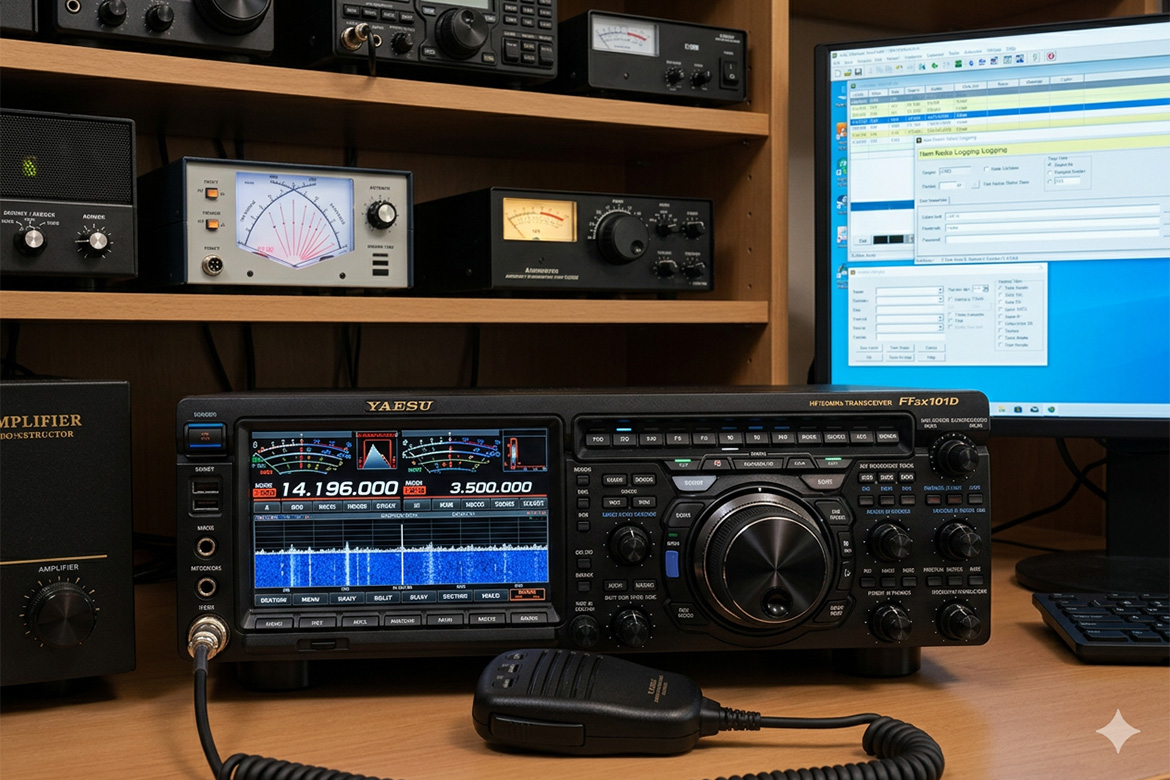
I’m continuing my series of articles that describe how to configure various ham radio software applications to work with the Yaesu FTDX101D. All of the things I’m describing here are available on various sites and videos around the Internet, but I wanted to show what I did to make it work because it’s a real world example that might just help someone else going through the same process. As I’ve said in previous articles, even though this is written for the Yaesu FTDX101D, the same information most likely will work on any modern Yaesu radio and, with a few changes, should work on non-Yaesu radios as well. If you haven’t done so yet, you should read my previous article, ‘Installing …
Amateur Radio
This is the second in a series of articles that I’m posting that will describe the process you need to go through to configure different programs to work with the Yaesu FTDX101D transceiver. I’m doing these articles because I just recently went through the setup process on my own system and found while there’s plenty of information out there, it’s sometimes confusing and often doesn’t fully describe what is happening during configuration process. I hope that these articles will simplify things and help other users that might be intimidated by the complexity of setting up their hardware. Before starting the process, you should review my previous post, ‘Installing and Configuring Device Drivers for the Yaesu FTDX101D’ to make sure your …
Overview This document is an attempt to explain the connections that are needed to interface a computer with the Yaesu FTDX101D, what each of those connections does and what you need to do to get your computer talking to your rig. While it’s written for the FTDX101D, I suspect the same information will apply to any modern Yaesu transceiver and with some minor changes could also be used to set up non-Yaesu rigs. Connecting your computer to your transceiver allows you to do all sorts of interesting things. You can control your rig from your computer, automate the logging process, run software that allows you to communicate with others using the various digital modes and many other things. While researching …
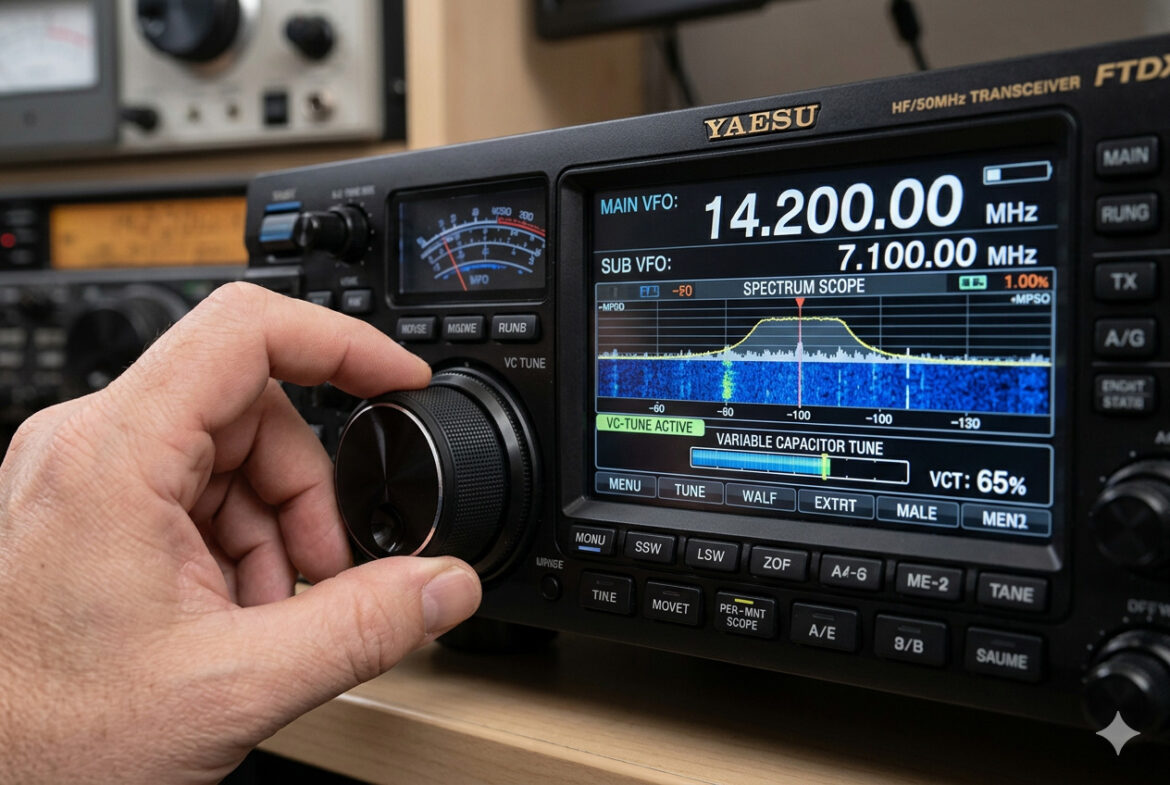
I just upgrade my amateur radio setup with a new FTDX-101D and was trying to understand how VC tuning is accomplished on the radio. The manual didn’t really explain why two buttons of the same name were used and a search on the Internet found no information. Even AI didn’t have an answer. So I dug in the old fashioned way and started experimenting. I’m sharing what I found out here, hoping it might help someone else. VC-Tune (Variable Capacitor Tune) – it can attenuate interfering signals directly at the receiving frequency. It can be turned on to attenuate the strong jamming signals that cannot be removed even with BPF (Band Pass Filter). If there is no interfering signal, turn …